In Windows Phone 7 , there is an area called System Tray on the Top of the screen where the information related to Signal strength and the Battery Level is shown .
You cannot add any icons or text to this area , so there will be a empty space on the top of your Application .
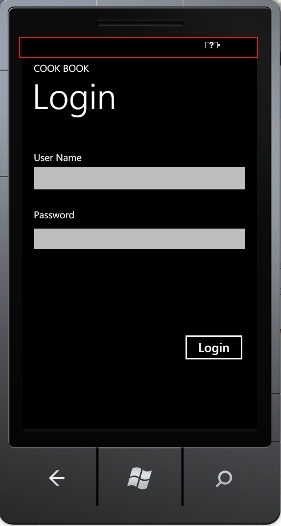
However , if you dont want to have the empty space and instead if your Application needs be run in full screen mode , you can set the SystemTray visibility to false .
SystemTray is a static class defined in the namespace “Microsoft.Phone.Shell” and you can set its IsVisible to false
private void PhoneApplicationPage_Loaded(object sender, RoutedEventArgs e)

{

          SystemTray.IsVisible = false;

}
When you run the Application now , you should see that your Application now utilizes the little space alloted for SystemTray .
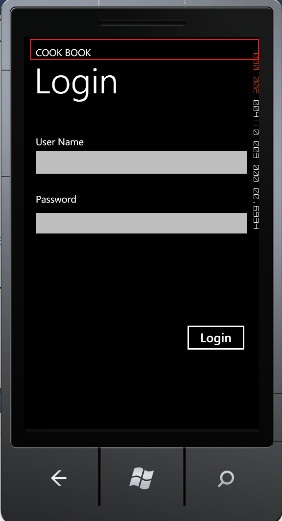
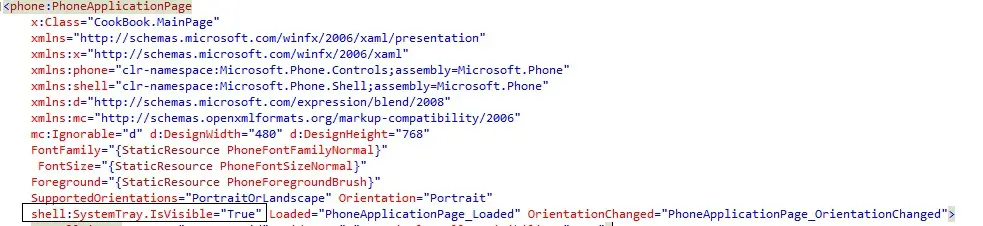
You can also set this property via the xaml file too