
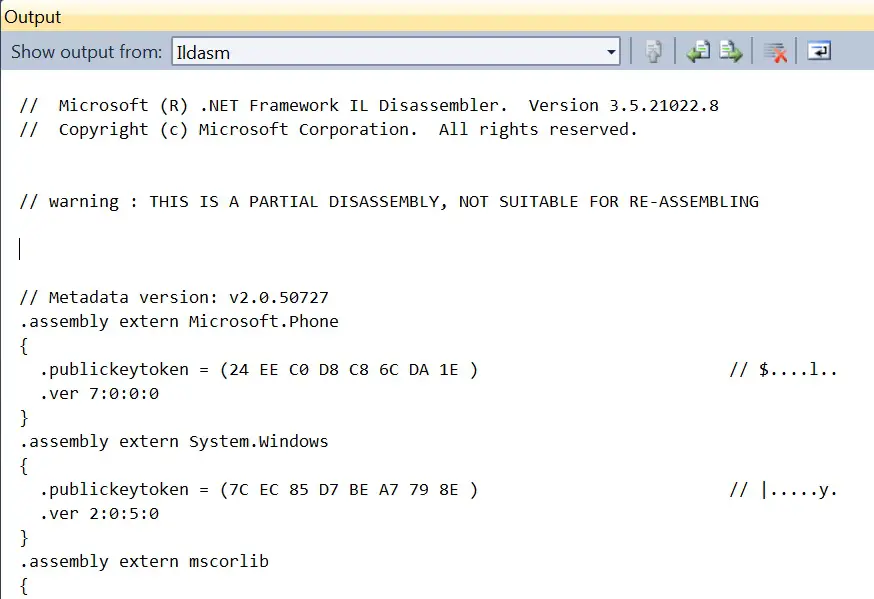
Here’s a simple tip on how to display the IL code by running ildasm.exe inside Visual Studio. The IL code will be displayed in the output window of Visual Studio.
How to Display IL code in Visual Studio ?
To view the IL in Visual Studio , you must include the ildasm.exe to the tools menu using Add external tools button .
1. Click the Tools menu and then the External Tools.
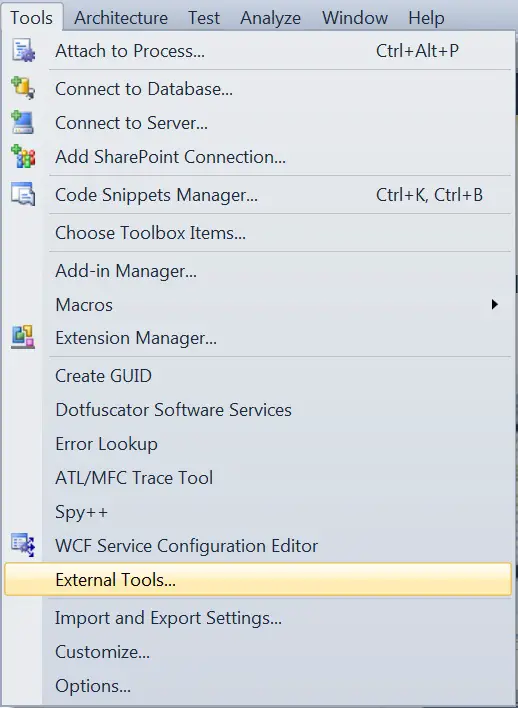
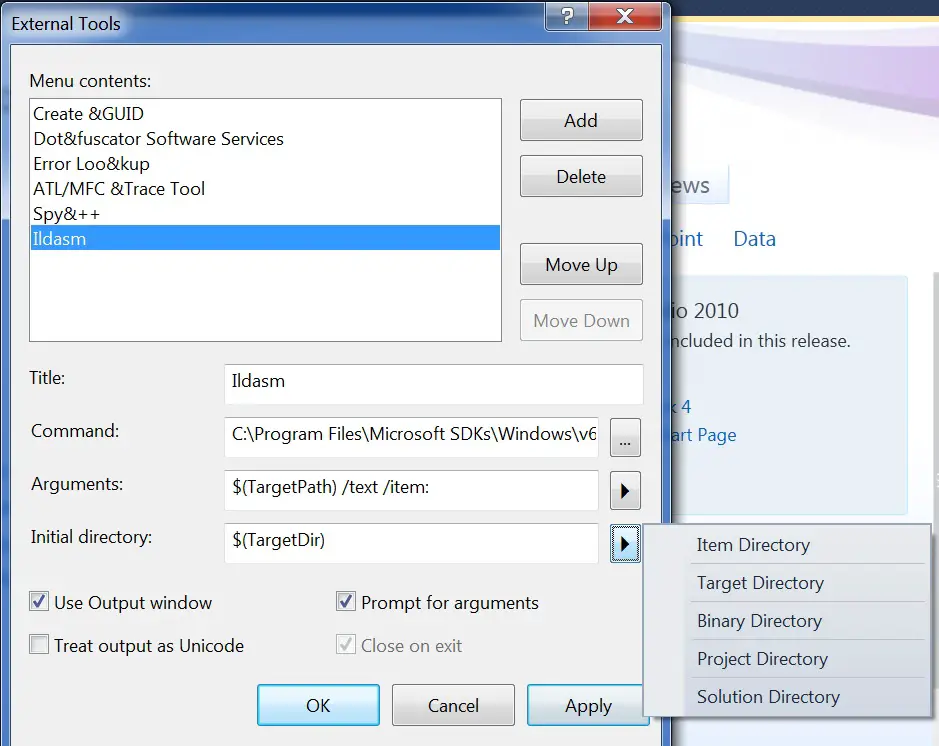
2. In the External tools dialog , Click the Add button . Give the title name and select the path to the exe and the arguments . Make sure that “Use Output Windows” is checked to displa the result in the output window . Click Ok
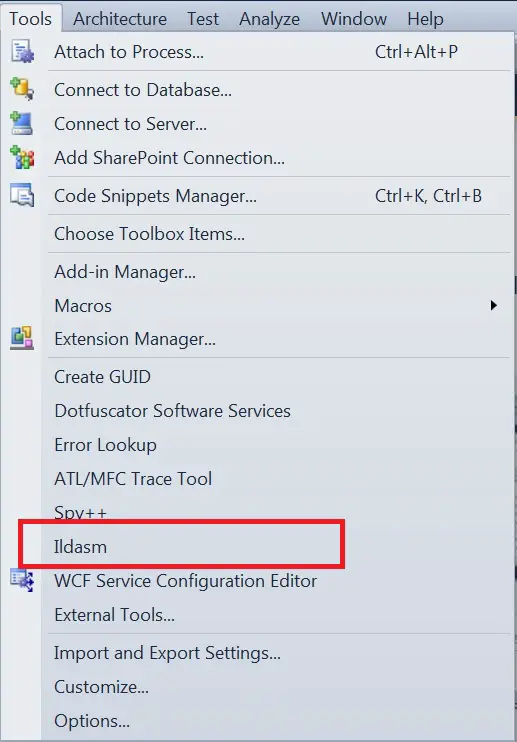
3. Now , you should see the ildasm tool in the tool menu .
4. Open the Visual Studio 2010 Project/ Solution file . In this example i used my Windows Phone 7 Project .
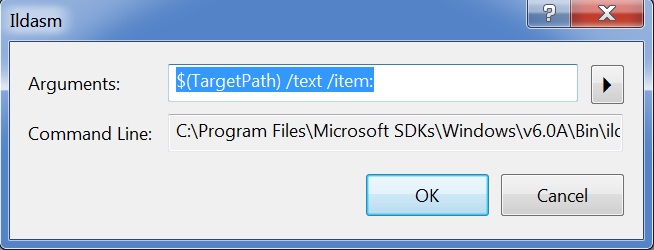
5. Click ildasm in the tools menu . This will open the dialog’s menu asking for the arguments , click ok .
6. Now , the IL code should be displayed in the output window for the Windows Phone 7 project


1 Comment
really useful! thaks